
← All features
Automation

Automatic Weekly Allowance

Set it once. Kupa3 pays every single week, on schedule, without you.

Give each child a weekly allowance amount and Kupa3 distributes it automatically — by default every Friday at 9am Israel time, though you can choose your own day and hour. It splits straight into spending, savings, and charity based on the percentages you've configured, writes a transaction to every pot, and notifies everyone the moment it lands.
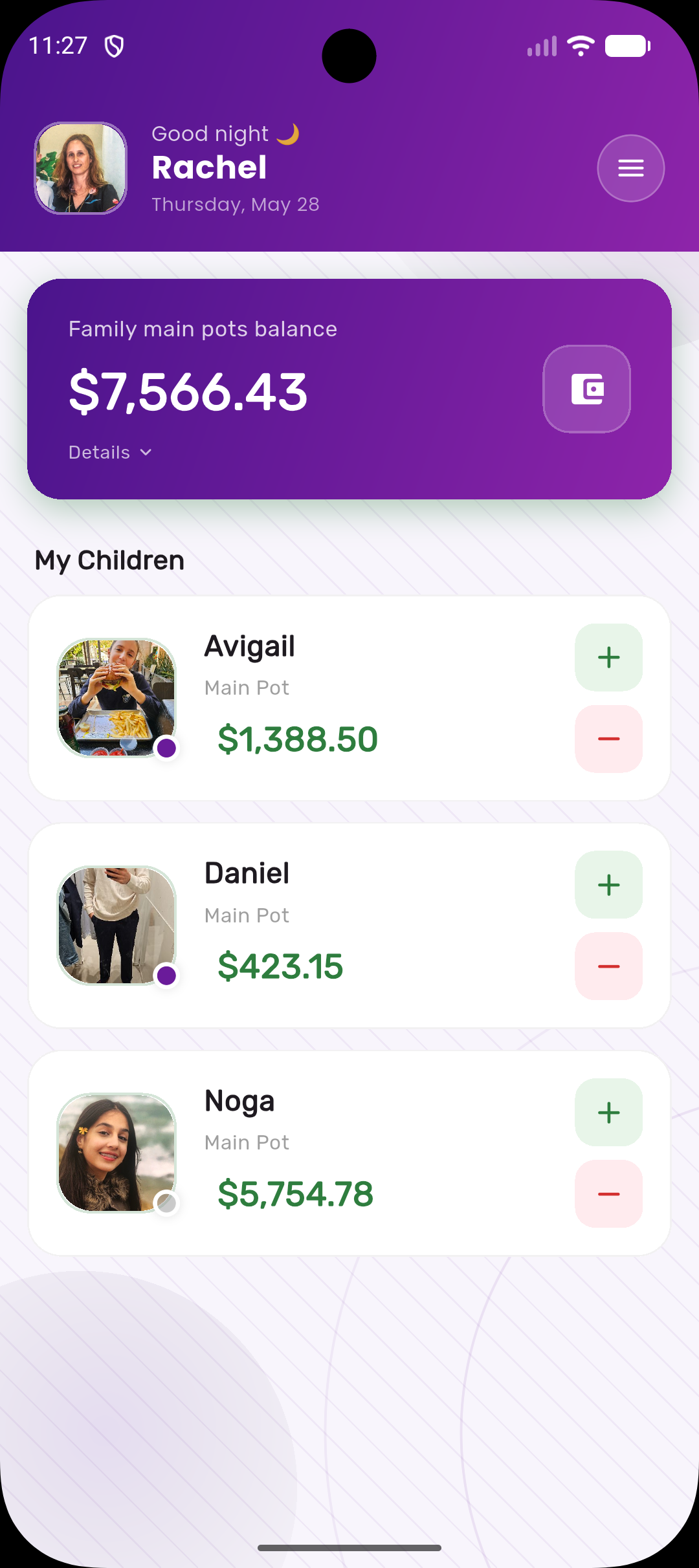
Kupa3 Parent Dashboard
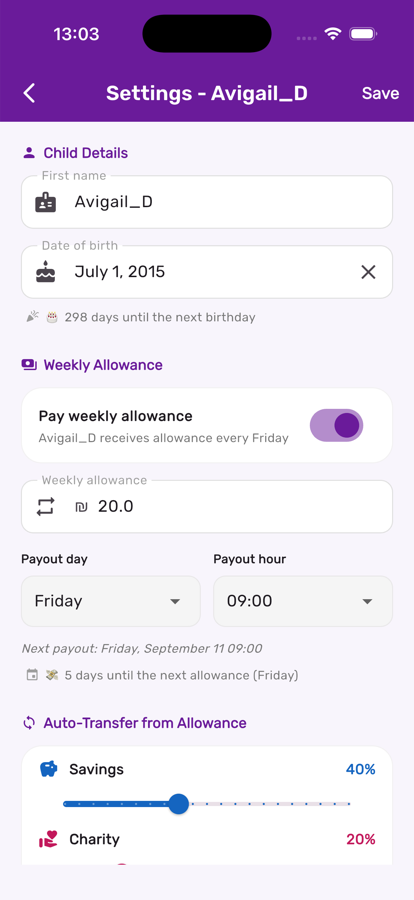
Weekly allowance settings in Kupa3

Set the amount, day, and hour

In a child's settings, flip on Pay weekly allowance, enter an amount, and pick a payout day and hour. Kupa3 shows exactly when the next payout will land.

Kids see the countdown too

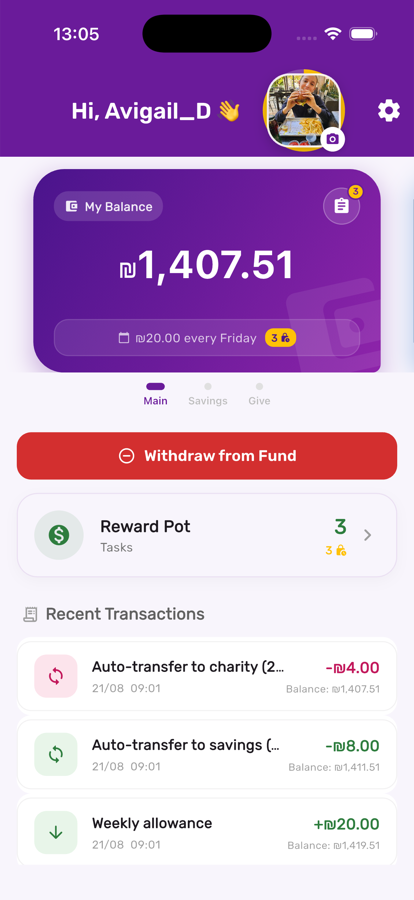
A child's own screen shows the weekly amount and which day it's coming, so "when do I get paid?" has an answer they can check themselves.

A child's own view showing the upcoming allowance in Kupa3

Three steps, start to finish

1

Set the amount and schedule

Enter a weekly figure per child, and pick which day and hour it should run. Leave it at 0 or pause it anytime without losing the setting.

2

Configure the split

Pair it with Smart Auto-Transfer sliders so a portion automatically flows into savings and charity the moment the allowance lands — no manual transfers needed.

3

Sit back

The Cloud Function runs on schedule, writes an atomic update to every pot, logs the transaction, and pushes a notification — every single week, forever.

Get the most out of it

💡

Pause allowance instead of deleting it during a long trip or a consequence — it's a single toggle, and your split settings are preserved.

💡

If you forget to set an amount, Kupa3 nudges you by email a few days after adding a child with allowance still at zero.

💡

Combine with Savings Interest so the portion that goes to savings keeps growing on its own too.

Works great with