
← All features
Everyday Money

Main Pot

The spending money your kids actually use, tracked in real time.

The main pot is where allowance, chore rewards, and manual deposits land for everyday spending. Add or remove funds in seconds, attach a comment so everyone remembers what it was for, and watch the animated balance update — with a satisfying haptic buzz — the moment it changes.
Kupa3 Main Pot Kupa3 Main Pot
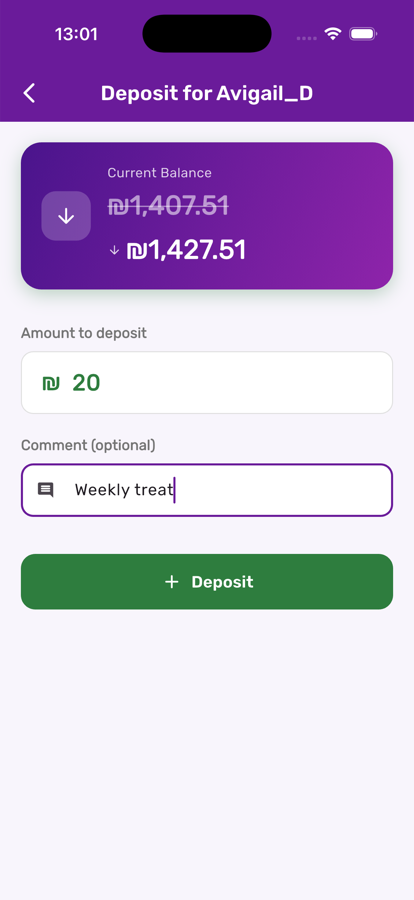
Depositing money into the main pot in Kupa3

Deposit or withdraw in seconds

Tap the plus or minus button on a child's card, type an amount, and add an optional comment. The current balance is right there so you never send the wrong figure.

Every transaction, right where you need it

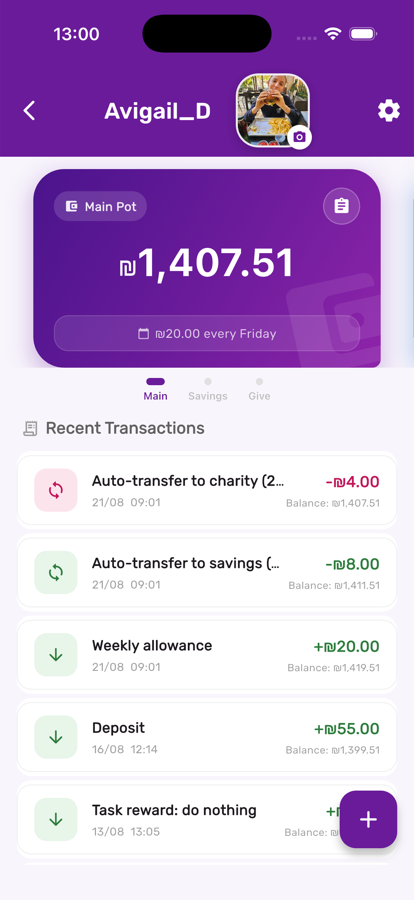
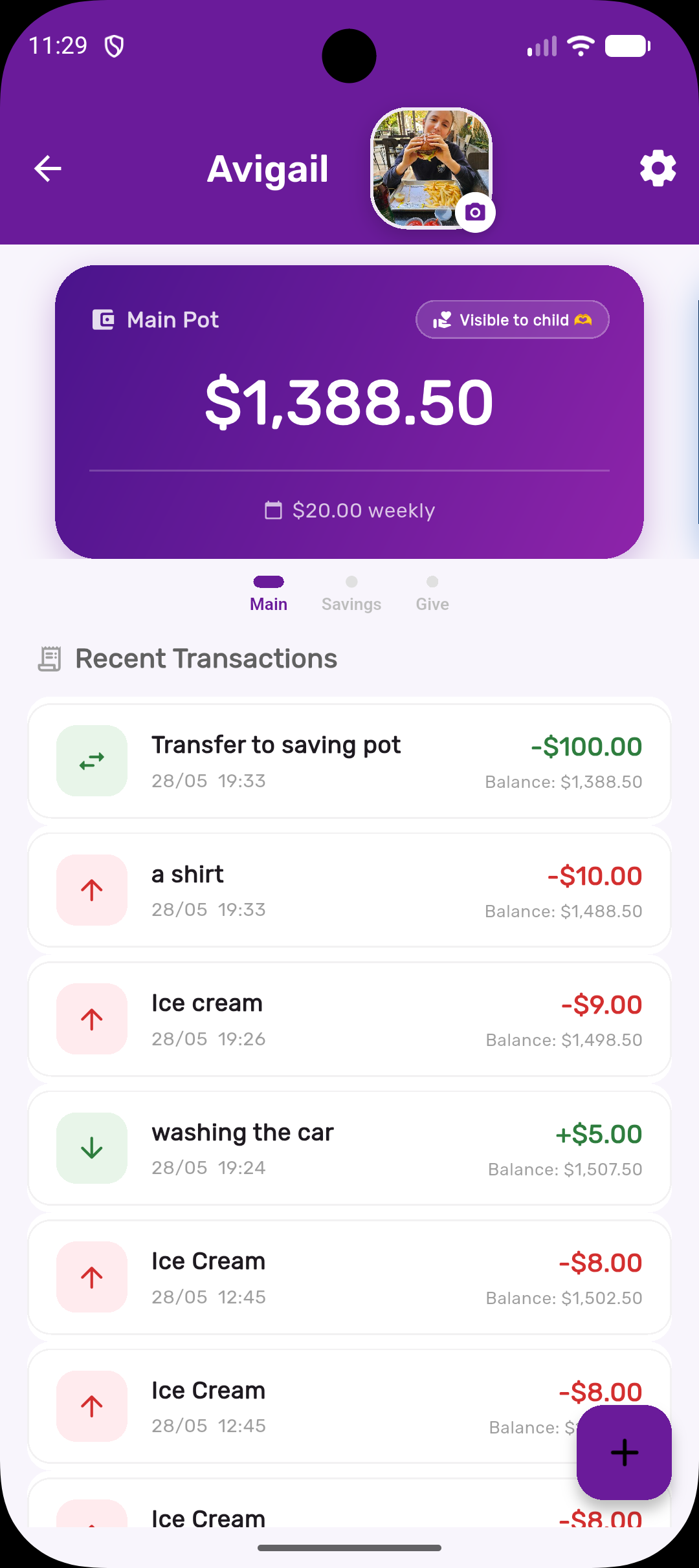
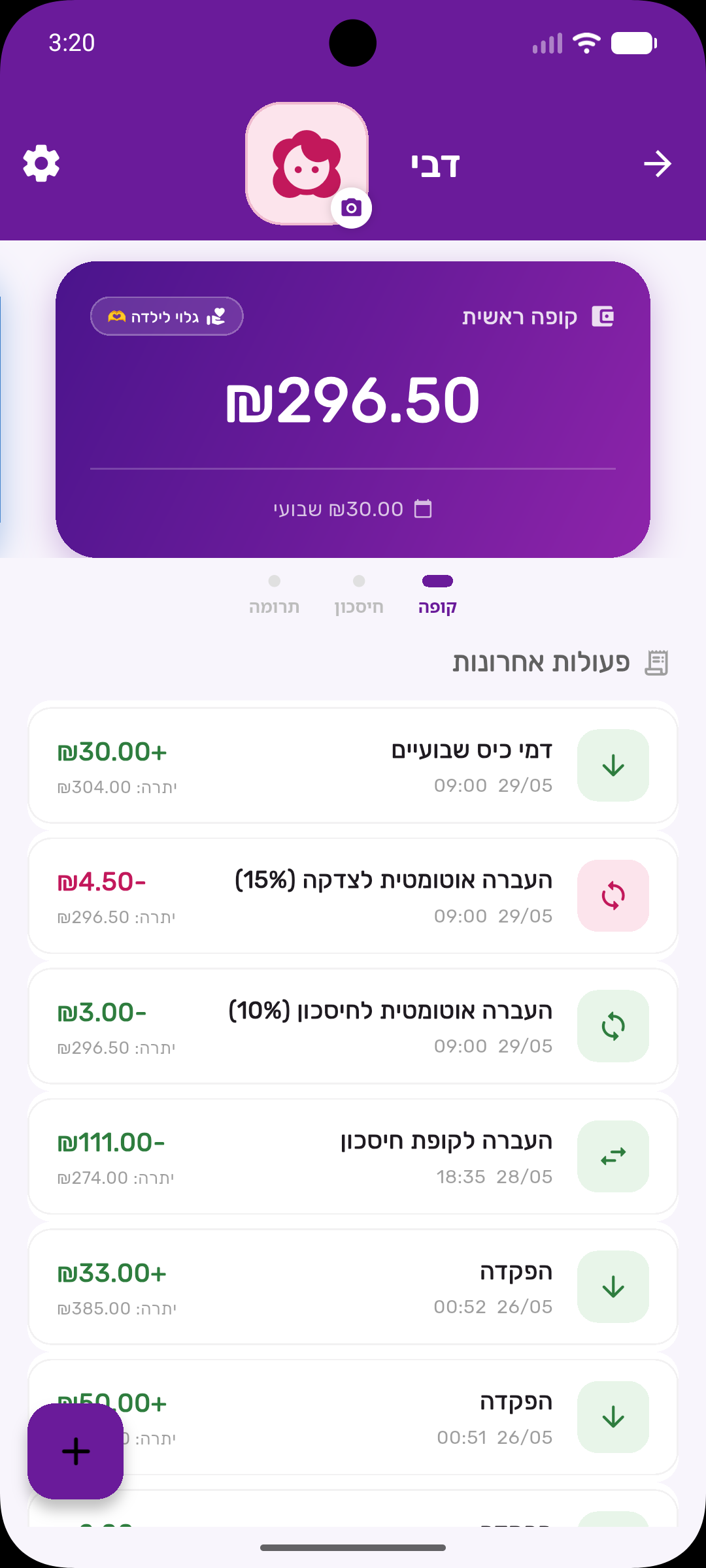
Open a child and the main pot shows the current balance, the next allowance date, and a scrollable list of every recent deposit, withdrawal, and auto-transfer.

Main pot balance and transaction history in Kupa3

Three steps, start to finish

1

Deposit or withdraw

Tap add funds, choose an amount, and optionally leave a comment like 'birthday money from Grandma.' It posts instantly to the child's balance.

2

Let your child spend, if you allow it

Turn on 'canSpend' for a child and they can withdraw from their own screen — practising real decisions with real (if small) stakes.

3

Review anytime

Every deposit and withdrawal is logged with a timestamp, so 'where did my money go?' has an easy answer for both of you.

Get the most out of it

💡

Use comments consistently — 'ice cream,' 'lost tooth,' 'chore bonus' — so the history reads like a story, not just numbers.

💡

If you're not ready for kids to withdraw on their own, leave canSpend off and keep it purely a visibility tool for them.

💡

Pair it with Automatic Allowances so the pot fills itself every week without you lifting a finger.

Works great with