
← All features
Building Habits

Savings Pot

A dedicated jar for money that isn't meant to be spent today.

The savings pot sits apart from everyday spending, managed by parents with deposit, withdraw, and pot-transfer actions. It's the foundation for two of Kupa3's most loved features — named Savings Goals and Automated Interest — so kids see it as more than a number that goes up: it's the place their money genuinely works for them.
Kupa3 Savings Pot
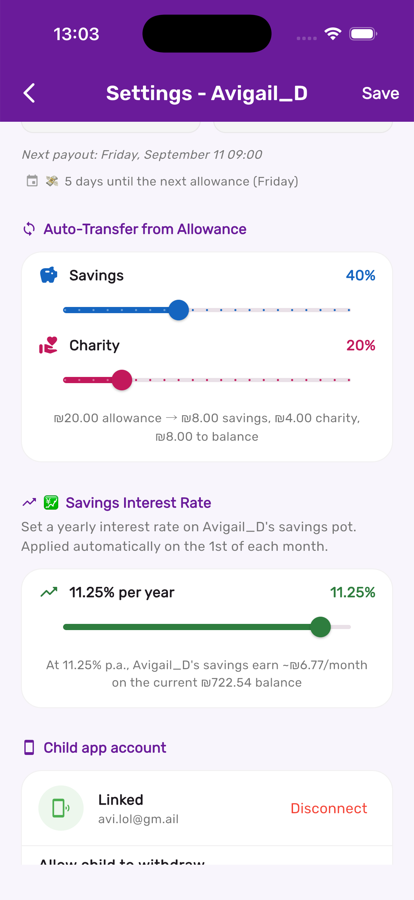
Savings pot auto-transfer and interest settings in Kupa3

It's part of the same settings screen as interest and auto-transfer

There's nothing separate to switch on — every child already has a savings pot. Fund it directly, or set an auto-transfer percentage so it fills itself.

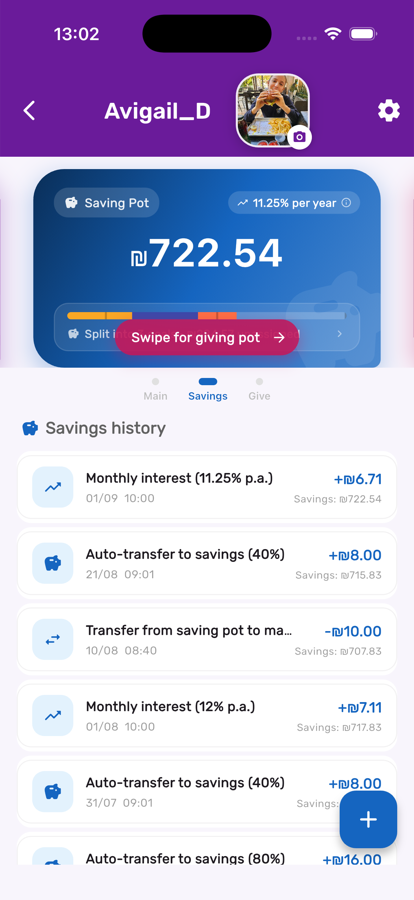
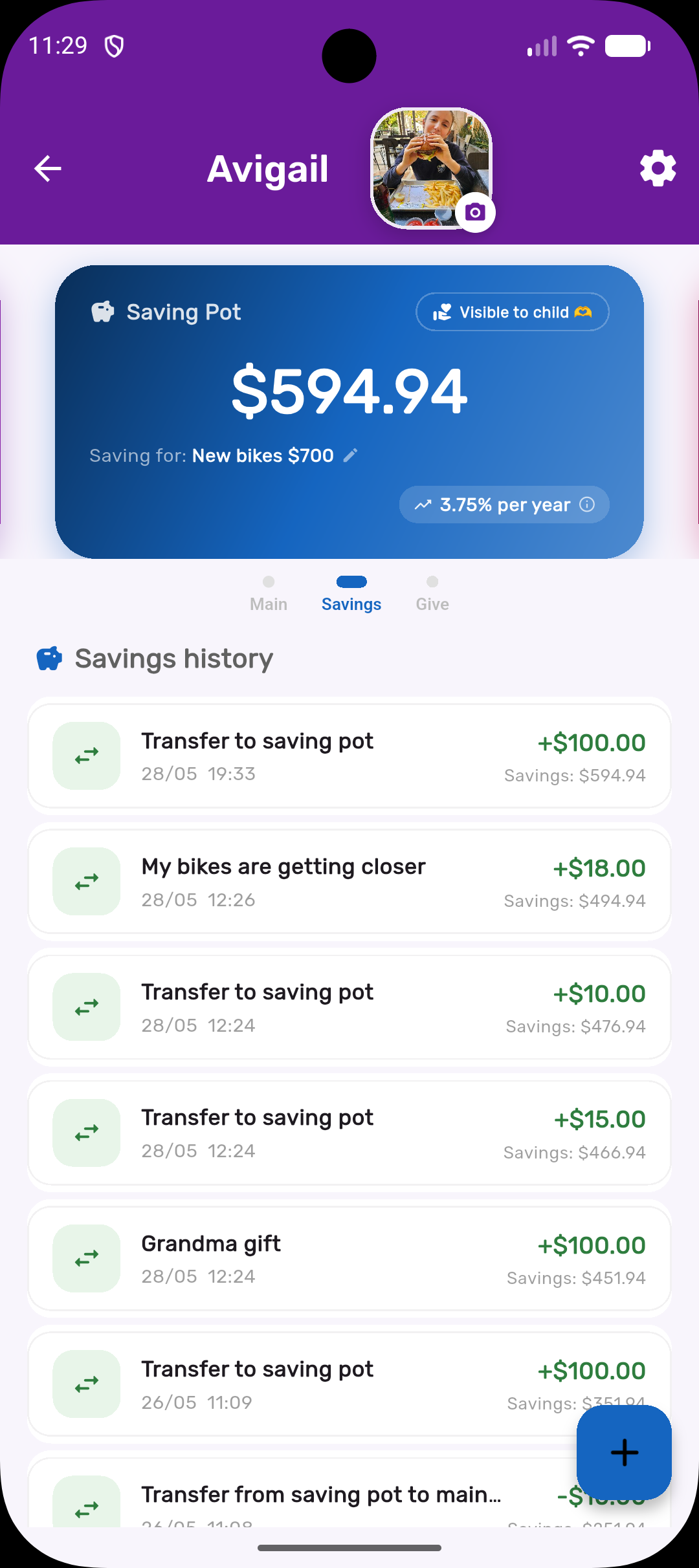
A running history you and your child can both see

Every deposit, withdrawal, transfer, and monthly interest credit shows up in the savings history, with the running balance printed on each line.

Savings pot history in Kupa3

Three steps, start to finish

1

Fund it

Deposit directly, or set up Smart Auto-Transfer so a percentage of every allowance flows in automatically.

2

Choose visibility

Show or hide the savings pot on your child's own screen, depending on how much insight you want them to have at their age.

3

Let it grow

Add a savings interest rate so the balance earns a monthly credit, and split it into named goals so 'saving' has a purpose kids can picture.

Get the most out of it

💡

If your child is young, keep the pot visible but simple — the balance alone teaches the habit before the mechanics matter.

💡

Transfer between spend and savings when a big-ticket want comes up — it's a natural moment to talk about trade-offs.

💡

Combine with Savings Goals so progress feels like filling a jar toward something real, not just watching a number.

Works great with